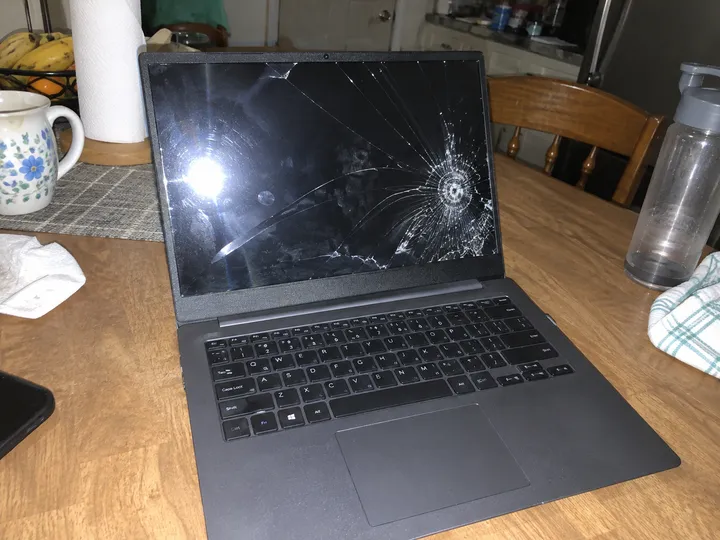
A return claim arrives with a “damaged item” photo.
Before approving the refund, see what this copy says about the camera, date, and editing software.
Check image metadataDrop in an image when a client, editor, teacher, or group chat asks, “Where did this come from?” We look for metadata, signed Content Credentials, and watermark hints that are actually present.
Runs metadata and Content Credentials checks in your browser.
You can also drop a file here. Files stay in your browser.
Choose one image to see the labels, tool names, and metadata this copy carries.
Files are processed only in your browser — nothing is uploaded.
We do not remove watermarks or help strip credentials.
No mystery score. The check follows three plain steps, all on the device in front of you.
return-claim.jpg
JPEG · ready to check
Put the file here. It never leaves your device.
Checking this copy…
Metadata and credentials
The browser checks the labels and records attached to this copy.
2 signals found
You get the signals that matched, plus the checks that came back empty.
The file cannot settle the whole story, but it can give you better questions to ask next.
Illustrative examples only — these images were made for this demo and are not real cases.
Before approving the refund, see what this copy says about the camera, date, and editing software.
Check image metadata
Look for re-saving or editing clues before you rely on the room photo alone.
Check for tampering clues
Check whether the image still carries a signed origin record or useful file history.
Check Content Credentials
Read its attached date, device, and software fields before repeating the claim.
View attached metadata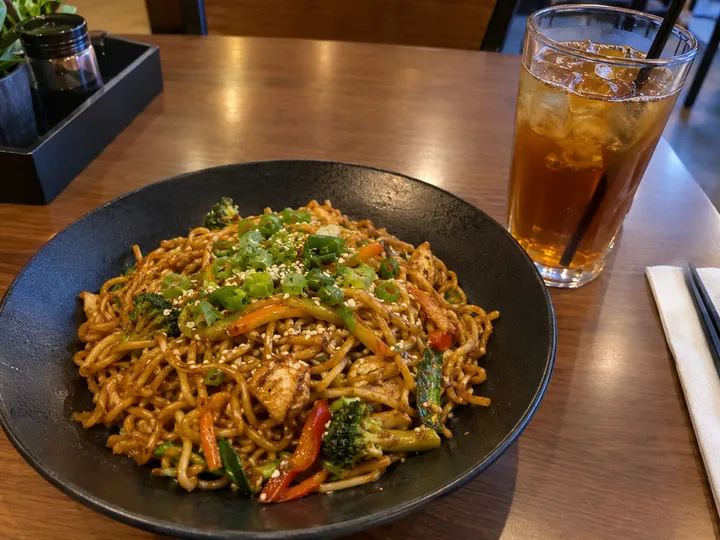
See whether the file has been re-saved or stripped, then weigh that alongside the review itself.
Check the file structure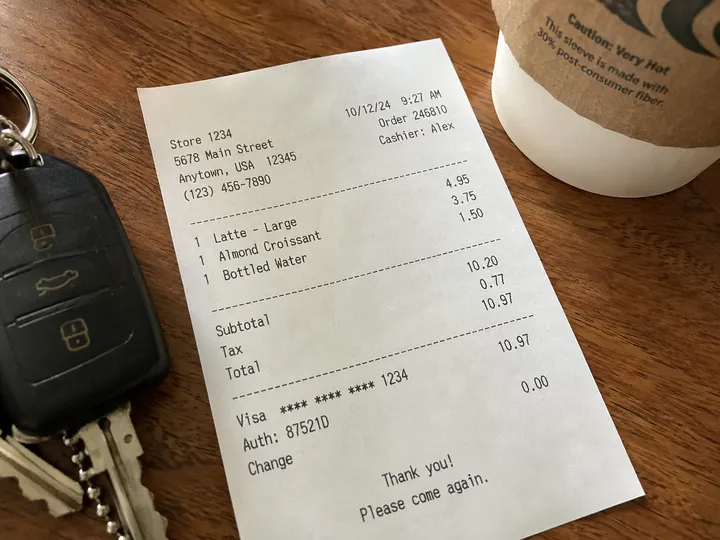
Inspect this copy for camera details and software labels before treating the photo as the whole story.
Inspect receipt metadataA clue can be useful without being a verdict.
The hard part is not uploading a file. The hard part is knowing what the result means. A photo can carry useful traces: the camera that made it, the software that exported it, a signed provenance record, or a visible note from a generator. Another file can carry almost nothing because an app flattened it, a platform stripped it, or someone made a screenshot. Those two cases need different wording.
This site is built around that distinction. It is an ai media checker in the narrow, honest sense: it checks available signals. It does not score your file with fake certainty, and it does not call a blank result “human.” Missing evidence is just missing evidence.
Start here when you need a fast read before sharing, publishing, moderating, or asking follow-up questions. The homepage tool points you toward the two checks that are most useful in a browser: ordinary image metadata and Content Credentials. If metadata names editing software, that can matter. If a signed credential is attached and still validates, that can matter more. If neither is found, the useful conclusion is smaller: this copy did not carry those clues at the time you checked it.
For a closer look at camera fields, timestamps, export software, and occasional prompt-like text, use the image metadata viewer. For signed provenance records, use the Content Credentials checker. They answer different questions, so it is normal to run both.
One system cannot read every kind of watermark.
Read the SynthID guidePeople search for an ai watermark checker because they want a yes-or-no answer. The web usually gives them something worse: a confident-looking meter with no receipt. We avoid that. Some watermark systems are proprietary, some are visible, some are embedded in ways only the issuing company can read, and some are damaged by common edits.
SynthID is the clearest boundary. If a file may come from Google tools, only Google’s official detector can read SynthID. We can explain what to try, and we can check other signals around the file, but we do not claim to detect SynthID ourselves. Our SynthID Detector guide is written for that exact situation.
A blank report is not a certificate. It may mean the file was exported without metadata, posted through a service that removes records, copied through a messenger, cropped, compressed, or screenshotted. It may also mean the source never attached credentials. Those possibilities all look similar from the outside.
Treat this site as a way to collect language you can stand behind. “This file carries a signed credential.” “This image metadata names an editor.” “This copy does not include the signals checked here.” Those sentences are less dramatic than “AI” or “not AI,” but they are safer and more useful.
“This copy does not include the signals checked here.”
Careful wording is a useful result too.
Signed Content Credentials can describe creation or editing history when they remain attached to the file.
EXIF and related fields may show camera details, software names, dates, and sometimes generator-written text.
For Google SynthID, use Google’s official detector; this site checks surrounding metadata and credential signals.
Use the EXIF viewer when you want camera fields, software labels, dates, or other hidden image details.
Learn moreUse the C2PA checker when you want to know whether a file carries a provenance manifest.
Learn moreUse the tampering check to read structural signs that a JPEG was re-saved or stripped, with the normal reason each one appears.
Learn moreRead what can be detected before you treat any AI content checker as a final answer.
Learn moreIt is closer to a document reader. It looks for provenance signals the file carries, then tells you what those signals can and cannot support.
For the tool pages here, the file is inspected locally so you can look at private or unpublished images without sending them to our server.
Keep the conclusion narrow. Say that this copy did not carry the checked metadata or credential signals, then look for context from the source.
Yes. It is useful as a preflight check for visible provenance clues, especially before you make a claim about where a file came from.
For SynthID specifically, use Google's SynthID Detector ↗. This site can help you inspect the other clues a file may carry.